
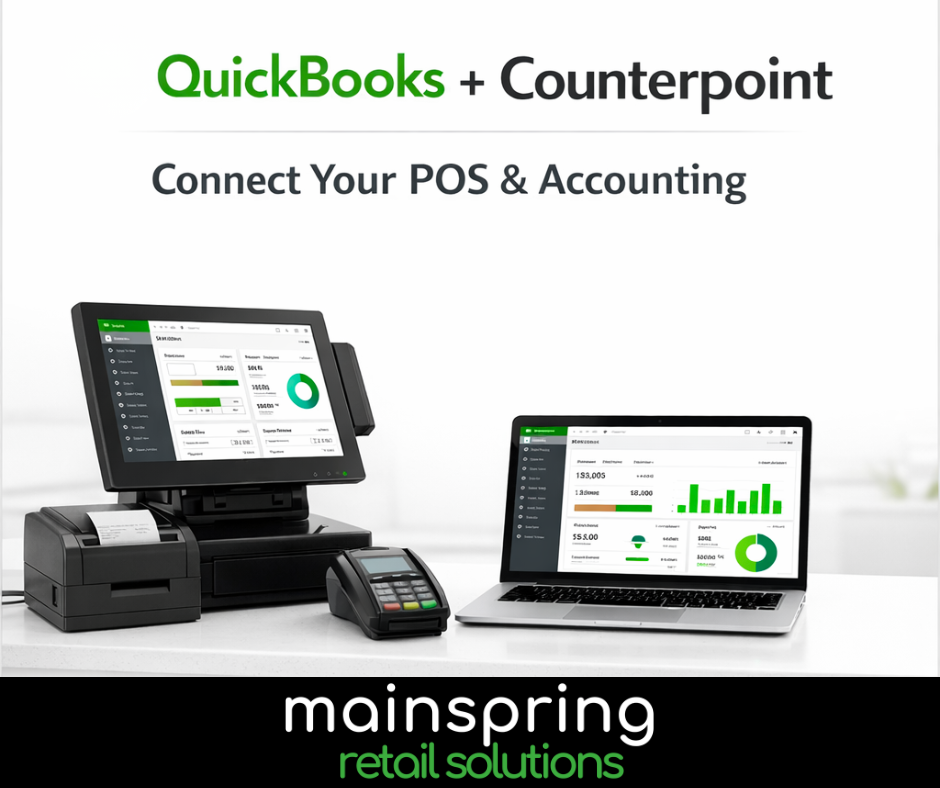
Many retailers rely on QuickBooks for accounting and NCR Counterpoint for point-of-sale and operations. But when these two systems aren’t connected, it often leads to manual data entry, reconciliation headaches, and wasted time. The good news? NCR Counterpoint offers QuickBooks integration, helping retailers streamline accounting, improve accuracy, and gain better financial visibility. Let’s take a closer look at how it works and why it matters.
Why Integrate NCR Counterpoint with QuickBooks?
Without integration, many retailers find themselves:
- Manually entering daily sales totals
- Exporting data to spreadsheets
- Reconciling accounting discrepancies
- Spending hours closing each month
QuickBooks integration eliminates these manual processes by automatically syncing financial data between Counterpoint and QuickBooks, saving time and reducing errors.
What QuickBooks Integration Can Do
When NCR Counterpoint is integrated with QuickBooks, retailers can:
Automatically Sync Sales Data
Sales transactions from Counterpoint can automatically post to QuickBooks, ensuring your accounting system always reflects current business activity.
Sync General Ledger & Financial Data
General ledger distributions and accounts payable transactions can flow directly from Counterpoint into QuickBooks, eliminating duplicate data entry.
Improve Financial Accuracy
Automation helps reduce human errors, missed transactions, and reconciliation issues that commonly occur with manual entry.
Gain Real-Time Financial Visibility
Because QuickBooks is updated automatically, you can make decisions based on today’s numbers, not last month’s reports.
Support Multi-Location Retailers
Multi-store retailers can consolidate financial data from multiple Counterpoint locations into QuickBooks for centralized accounting.
Common Data That Can Sync Between Counterpoint and QuickBooks
Depending on configuration, integrations may include:
- Daily sales totals
- Payment types (cash, credit card, gift card, etc.)
- Accounts payable vouchers
- General ledger entries
- Vendor information
- Chart of accounts mapping
- Store/location financial data
- Inventory and purchasing financial data
Benefits for Retailers
Save Time
Automate repetitive accounting tasks and reduce manual entry.
Improve Accuracy
Eliminate errors from spreadsheets and duplicate entries.
Faster Month-End Close
No more scrambling to reconcile POS and accounting data.
Better Business Insights
Make smarter decisions with real-time financial reporting.
Scalable for Growth
Works well for single stores, multi-locations, and growing retailers.
QuickBooks Online and NCR Counterpoint: A Modern Approach
Many retailers today are moving to QuickBooks Online, which offers:
- Cloud-based access from anywhere
- Automatic backups
- Real-time dashboards
- Simplified reporting
- Improved collaboration with accountants
When paired with NCR Counterpoint, retailers gain a powerful operational and accounting solution designed for modern retail.
How Mainspring Helps
At Mainspring, we help retailers:
- Evaluate QuickBooks integration options
- Configure accounting mapping
- Implement and test integration
- Train your team
- Provide ongoing support
Our goal is to simplify your accounting workflow and help your business run more efficiently.
Ready to Simplify Your Accounting?
If you’re currently using NCR Counterpoint and QuickBooks, or considering either, integration could save your team hours each week and improve financial visibility. Contact Mainsprig today to learn more about QuickBooks integration for NCR Counterpoint.