

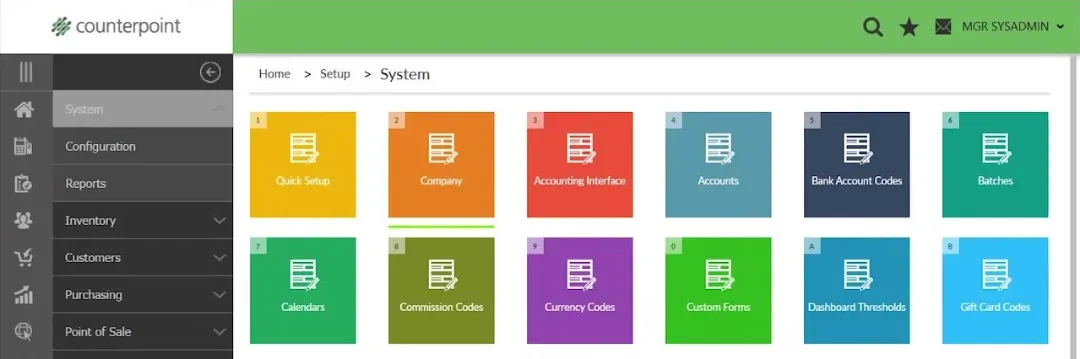
It’s a new year! If your Counterpoint calendar follows the normal calendar, you’ll want to make sure you’ve updated your system for 2018.
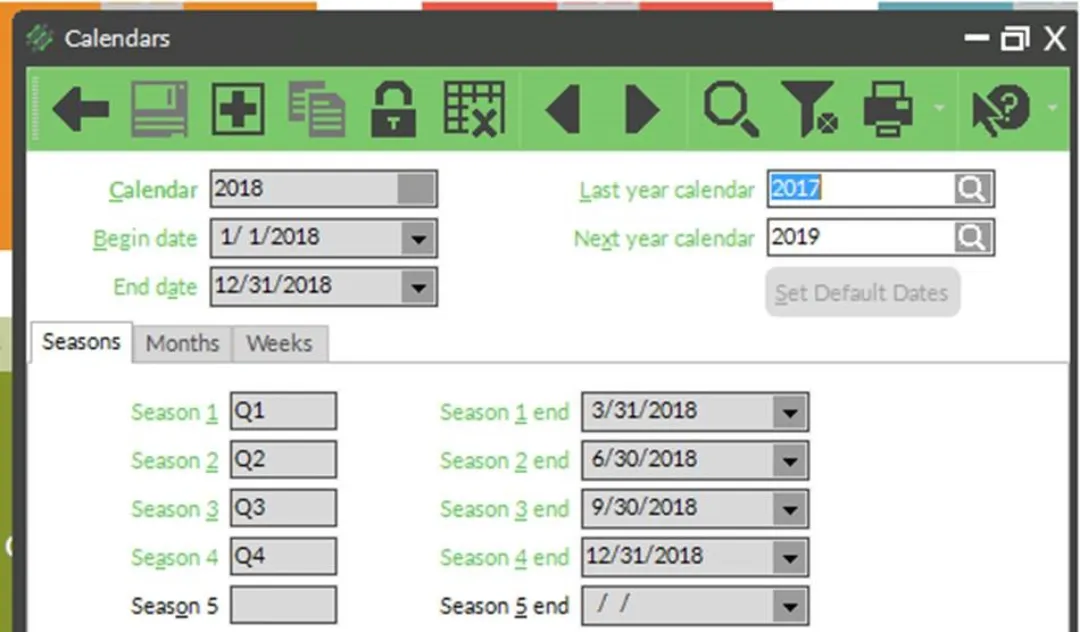
First, create a calendar (if you don’t already have one) for 2018 in Setup | System | Calendars. You can configure custom Seasons, Months, and Weeks, or you can click the Set Default Dates button to accept the defaults:
Next, go to Setup | System | Company to use the new calendar. Update the Current Calendar field:
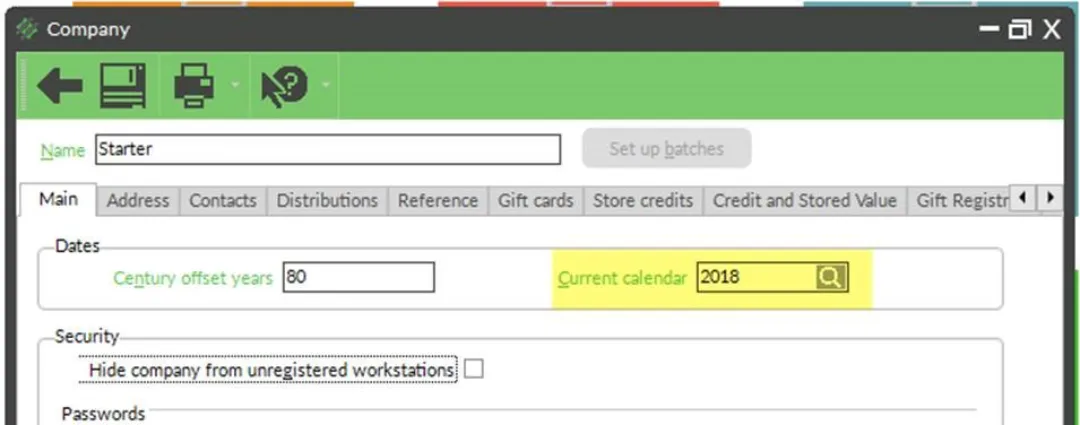
That’s it! You can control the ability to post transactions to other calendars by System Security Code (Setup | System | Security Codes, Transaction Dates tab).